One of the most common phrases you’ll hear on the internet is that “If you’re not paying, you’re the product.” When you use a free online service, you’re often paying through other means, such as your data, your privacy, and potentially, your security.
Using a free secure messaging app, then, goes against the grain. If a secure messaging app does not access your data and protects your privacy, how are you paying for the service?
Read on to find out how secure messaging apps make money while maintaining your privacy.
What Is a Secure Messaging App?
Let’s start with the basics: what is a secure messaging app?
There are several types of messaging apps in the world. A secure messaging app protects your data from outside interference, including from the app developers themselves. The protection usually comes in the form of end-to-end encryption (E2EE), which ensures your data remains unreadable to anyone but you and the recipient.
Unsure what end-to-end encryption means? Check out our guide to the most important encryption terms everyone should know.
Before continuing, please note that just because a messaging app is not secure in terms of E2EE (or similar), that does not make the app itself insecure. The difference between a secure messaging app and the alternatives is data.
Facebook Messenger is a prime example. Facebook Messenger does not protect your data from internal data collection by default. It does provide security against external sources stealing your data. Messenger also includes a secure messaging option, but you have to enable this on a conversation by conversation basis.
Furthermore, you cannot vet the inner workings of Facebook Messenger to check where your data is going or how it is used.
Whereas, Signal secures all communication between users with end-to-end encryption and is also open-source. You know your data is secure and that Signal is not hiding anything. That’s why Signal features on our list of the best Facebook Messenger alternatives for private chats.
How Do Secure Messenger Apps Make Money?
Now you know how a secure messenger app works, you can start thinking about how a secure messenger makes enough money to stay afloat.
Secure messenger apps use several different models to make money. Let’s take a look at some of the most popular secure messenger apps and how they’re bringing home the bacon.
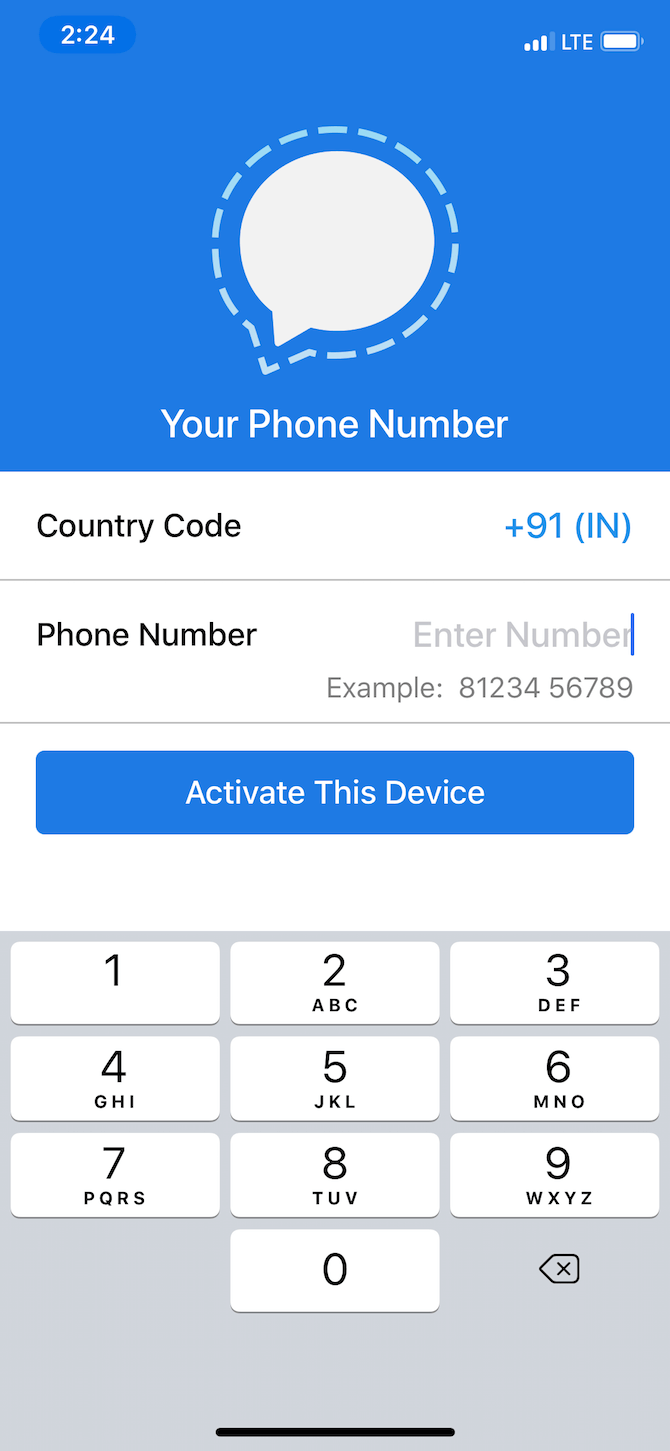
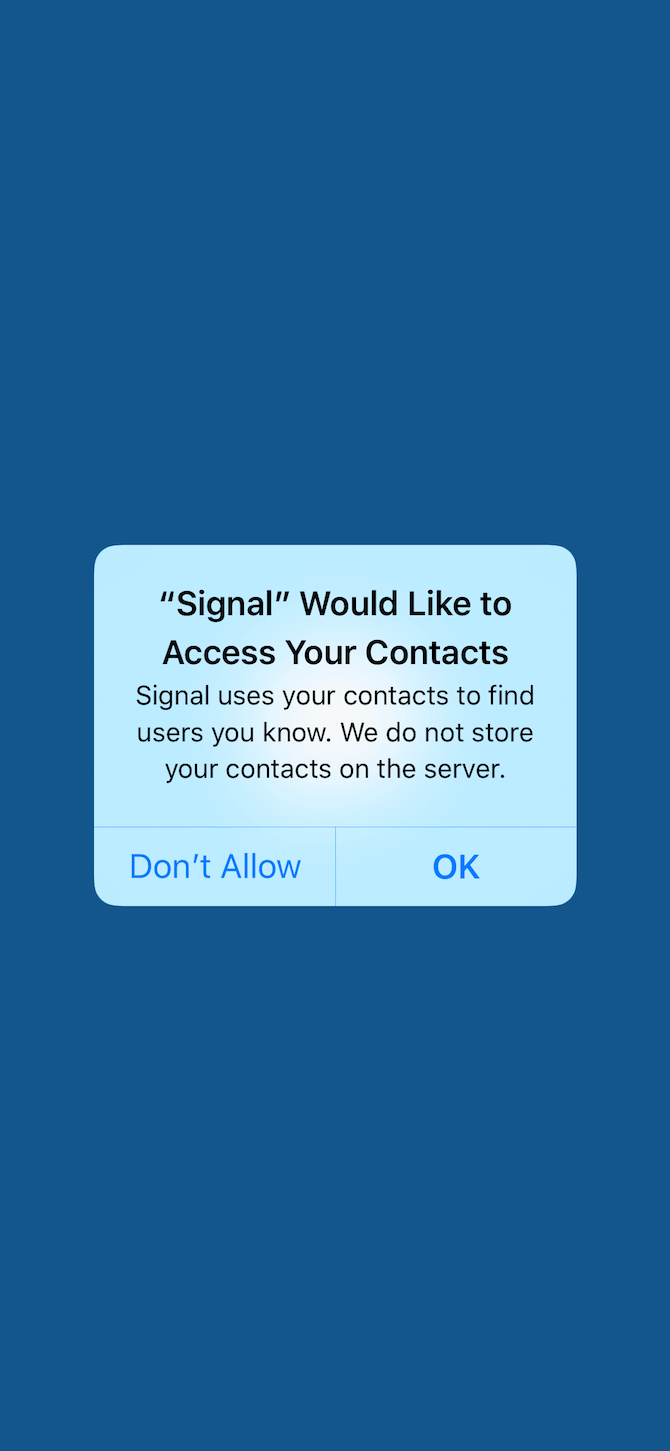
Signal is a popular free secure messaging app used around the world. It features end-to-end encryption for all forms of communication within the app, allowing users to make one-to-one calls, send messages, and make video calls.
Signal is free and open-source and has no commercial revenue stream. The non-profit Signal Foundation oversees the development of the Signal app and the Signal protocol, receiving donations and grants to stay afloat. Some of those donations are very generous, coming from other organizations or individuals with a strong focus on privacy.
For example, after WhatsApp was bought out by Facebook, WhatsApp co-founder Brian Actor left the company—and promptly donated $50 million to the Signal Foundation. His reasoning? “If two people want a private conversation, electronic or not, they should be allowed to have it.”
Other well-known donors include the Freedom of the Press Foundation and the Open Technology Fund.
Wire is a secure messaging app you can also use for collaboration with friends and coworkers. You can communicate using voice calls, messaging, video calls, conference calls, and file sharing, all using end-to-end encryption. Furthermore, Wire is an open-source platform.
Wire offers a free subscription for basic users, known as Wire Personal. There are also two paid subscription options: Pro and Enterprise. A Wire Pro subscription costs $5.83 per month, while a Wire Enterprise subscription costs $9.50 per month. There is also a third subscription option, Wire Red, which is a private crisis communication tool, but pricing details are not available for this option.
The Pro and Enterprise subscription options come with substantial features versus a free account but importantly, help to subsidize secure communication for the free tier.
In its early stages, Wire received funding from Iconical, a venture capitalist alternative managed by a “collective of designers, engineers, and entrepreneurs.” However, the amount of funding was never revealed.
In 2019, Wire raised $8.2 million from Morpheus Ventures, a different venture capitalist fund. At the same time, Wire switched its holding company from Luxembourg to the US. However, the switch of the holding company theoretically has little effect on its privacy situation. Wire users still license the service from Switzerland, while Wire’s hosting remains in Europe.
Still, the switch was enough for Edward Snowden to issue a warning regarding Wire and its premise of privacy for all users:
Telegram is one of the world’s most popular free secure messaging apps, boasting over 400 million monthly users. You can use Telegram to send messages, photos, videos, audio, and files, with secure video chatting set to arrive sometime in 2020.
While Telegram is touted as a secure messaging option, privacy concerns remain regarding the source code for both its client and servers. The Telegram client is licensed under GNU GPLv2 or GPLv3, but the development team doesn’t release the client source code for scrutiny with each update.
The source code for Telegram’s servers is proprietary and remains unavailable.
Regarding funding, Telegram receives financing from Pavel Durov, co-founder of Russia’s largest social media network, VK. The funding comes through his Digital Fortress fund, working with business partner, Axel Neff (who is also Assistant Director of International Operations for VK).
At the time of writing, Telegram doesn’t receive donations from external sources, either, relying solely on Durov’s funding.
In 2019, Telegram launched an initial coin offering (ICO) for a cryptocurrency platform it planned to launch, known as the Telegram Open Network. The pre-sale for the planned blockchain network raised around $1.7 billion as users piled into the project, expecting substantial returns once the project went live.
However, the Securities and Exchange Commission (SEC) ordered Telegram to stop any cryptocurrency sales after it failed to register its initial funding round. In early 2020, the SEC fined Telegram $18 million and ordered them to refund their investors. Telegram offered investors an immediate 72% refund or the option of waiting until April 2021 to receive a 110% refund.
The status of the ICO refund process is ongoing at the time of writing.
Wickr is considered one of the most secure messaging apps currently available to consumers. In previous years, Wickr has received praise from the Electronic Frontier Foundation “for its strong stance regarding user rights, transparency, and privacy.”
That said, Wickr is not an open-source app. It has published the encryption protocol it uses across all its services, which is something. However, the client and server source code is not available for validation, which does lead to some privacy concerns.
Wickr Me is the free tier, allowing one-to-one encrypted communication or a private group with up to ten participants. You can use Wickr for encrypted voice calling, too. Wickr includes an ephemeral messages option, which lets you set a self-destruct timer for your messages. (Other messenger services also support self-destructing messages.) Any files, voice messages, images, or videos you send using Wickr also carry the same encryption.
So, how does Wickr remain free?
Wickr offers several subscription options for businesses and large enterprises. The subscription models include Silver at $4.99 per user per month, Gold at $9.99 pu/pm, and Platinum at $25 pu/pm. The subscription models offer a substantial private communication platform, including large file transfers, file storage, data retention, much larger group video and voice calling options, and advanced network admin options.
As with other secure messengers, Wickr subsidizes its free secure messenger service with premium subscriptions.
That’s not all. Back in 2014, Wickr raised $9 million Series A funding from a variety of investors. Later in the same year, Wickr announced Series B funding of $30 million, again from a wide range of investors.
What About WhatsApp?
Now, WhatsApp is a slightly contentious choice for this list. Facebook owns WhatsApp, acquiring the secure messenger back in 2014. Facebook is a well-known security and privacy nightmare. But those privacy issues don’t fully extend to WhatsApp. Well, not yet, anyway.
Facebook continues to explore how to create revenue streams from WhatsApp without alienating users. However, while your conversations and video calls are secure with E2EE, Facebook can still collect and collate the metadata from your activities, as well as your location data from your phone amongst other potentially important things.
So, WhatsApp doesn’t charge you to use the service. But it is bankrolled by Facebook.
Can You Trust a Secure Messaging App?
Figuring out which secure messaging app to trust isn’t easy. Signal consistently tops the security and privacy charts, is a non-profit, and is respected around the world.
But the biggest thing that sways us towards one app or another isn’t always its funding choices or privacy options. It boils down to the users. WhatsApp has the most users through a snowballing effect: all of your friends and family use it, and switching services cuts you off from those people.
It is easy to use and offers encryption, which is a great plus, but the number of users makes it hard to break away into an alternative secure messenger.
How about if you only use email? Check out the most important email security tips you should know about, and protect your private conversations.
Read the full article: How Do Free Secure Messenger Apps Make Money?
from MakeUseOf https://ift.tt/2Xc8ys6
via
IFTTT